Convert a video to MP3
MP4 to MP3, in your browser: pick an MP4, MOV or WebM video and save its sound as an MP3, the whole thing or just a part. Your video stays on your device.
or drop it here
MP3, M4A or WAV · up to 60 min
Editing video on your phone?
The ClipSizer app for Android is on its way.
Pick a quality, keep what you need
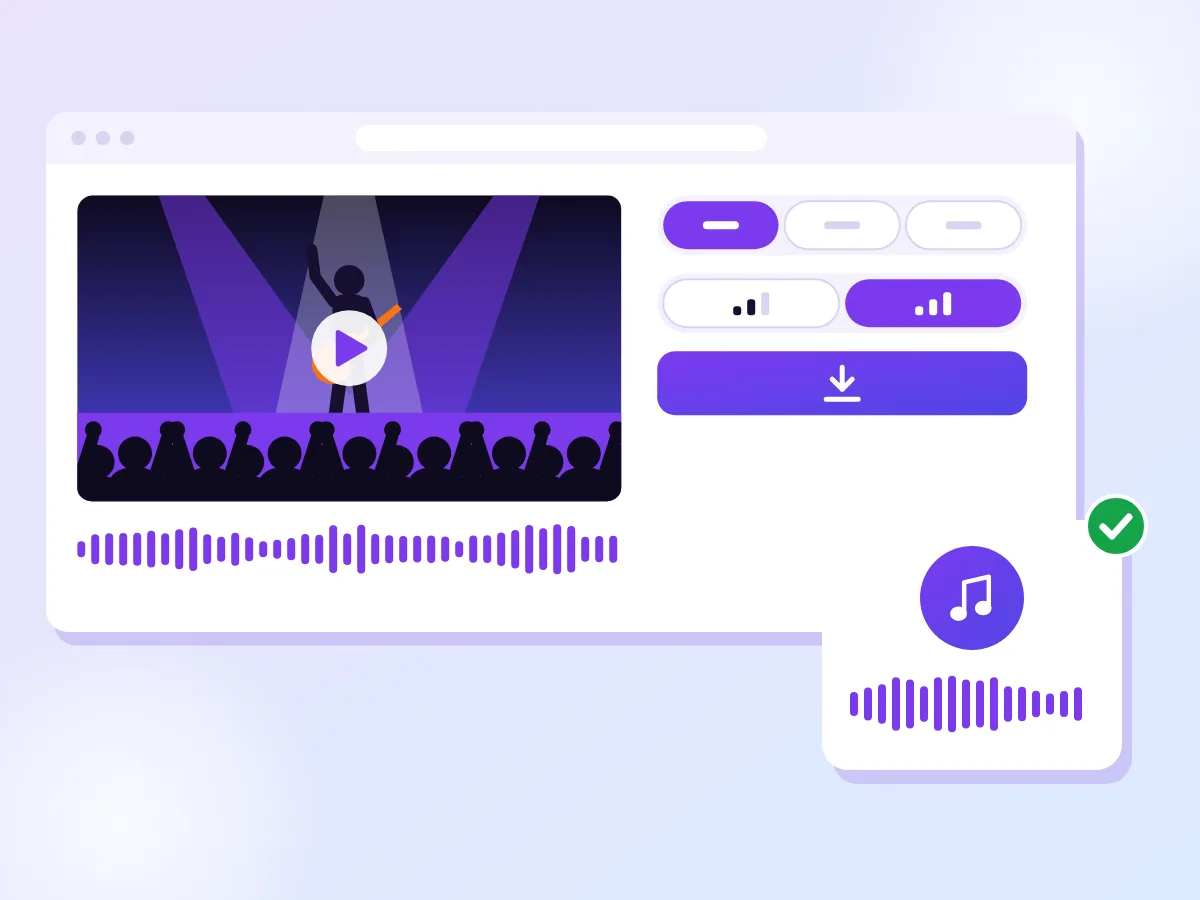
MP3 is already picked. Choose 128 or 192 kbps, keep the whole video or choose a part on the waveform, add a fade at either end, and save. Want the video smaller rather than its sound? Try the compressor.
A live song for every player
A song filmed at a concert becomes an MP3 you can play on a phone, a laptop, in many cars or on an old music player. A whole hour at 192 kbps comes to about 88 MB. Prefer the kind of sound your phone records? Save an M4A instead.
How it works
Choose your video
Drop in an MP4, MOV, WebM or MKV file, or pick one from your device.
Keep it all, or choose a part
Save the whole sound, or drag the handles on the waveform to keep one stretch.
Save your MP3
Pick 128 or 192 kbps, add a fade if you like, then download.
When MP3 is the right choice
MP3 is the format almost every device and app can play. Phones, laptops, browsers, many car stereos and older music players all open it without asking for anything extra. When you don't know where a file will end up, it's the safe choice.
Taking the sound out is handy whenever you only need to listen. A recorded lecture becomes something to play on a walk, a song you filmed at a gig becomes a track on your phone, and a long interview becomes a file you can send to someone who only needs the words.
If the sound is headed for an editing app rather than a playlist, there are better picks. M4A keeps the same kind of sound most phone videos already carry, and WAV skips compression altogether, which editors prefer. Both sit on the same format switch.
Getting just the part you need
By default the whole video is saved, up to 60 minutes at a time. That suits a talk or a set you want from start to finish. For anything shorter, switch Part to Choose a part.
A waveform of the sound appears, with a handle at each end. Drag them to the stretch you want, or type exact times into the Start time and End time fields, like 1:05.5 for one minute and five and a half seconds. Press Play to hear just that part before you save it.
A cut in the middle of a word or a note can sound abrupt. Fade in and Fade out smooth the edges: each goes up to 5 seconds, in half-second steps. A fade of one or two seconds is usually enough to make a clip start and end gently.
What happens to the quality
The sound in a video is already compressed, usually as AAC. Turning it into MP3 means decoding it and compressing it again, so the MP3 can come close to the video's sound but can't improve on it.
You choose how much room the sound gets. 192 kbps, the default, keeps more detail and suits music. 128 kbps makes a file about a third smaller and is plenty for speech. As a guide, a minute is about 1.5 MB at 192 kbps and just under 1 MB at 128 kbps.
The sample rate stays at 44.1 or 48 kHz when the video uses one of those, and anything else becomes 48 kHz. A mono recording stays mono, and a video with more channels, such as surround sound, is saved as stereo.
Questions
Do you upload my video?
No. The MP3 is made inside this browser tab, from the video file on your device. Nothing is sent to a server, and there is no account to create.
Does it work on iPhone?
Yes, in Safari on a recent iPhone. Older versions of Safari can't read a video's sound in the browser, and the page tells you so before you start.
128 or 192 kbps?
192 kbps for music or anything you'll listen to closely. 128 kbps for talks, lessons and voice recordings, where the smaller file is the better deal. You can always save again at the other setting.
Can I convert a YouTube link?
No. The tool only opens video files that are already on your phone or computer, and it never downloads a video from a link. If the video is your own, use the original file you recorded or exported.
What if my video has no sound?
The tool checks as soon as you choose a file. If there is no sound track, it says "This video has no sound" and stops there, so you never download an empty MP3. Try a different video.
How long can the video be?
Each MP3 can be up to 60 minutes long. For a longer video, choose a part, save it, then press Save another part for the next one. The video file itself can be up to 2 GB on a computer and 1 GB on a phone.
More free tools
Extract the sound from any video
Save a video's sound as an M4A file, the same kind of sound your phone records. Choose a part if you only need a clip.
Cut an MP3 to the part you want
Open an MP3 or another audio file, drag the handles on the waveform and save the part you want as an MP3. Your file stays on your device.
Make your video fit the size limit
Pick a target size and we shrink your video to fit it. It runs in your browser, so your video stays on your device.