Extract the sound from any video
Save a video's sound as an M4A file, the same kind of sound your phone records. Choose a part if you only need a clip.
or drop it here
MP3, M4A or WAV · up to 60 min
Editing video on your phone?
The ClipSizer app for Android is on its way.
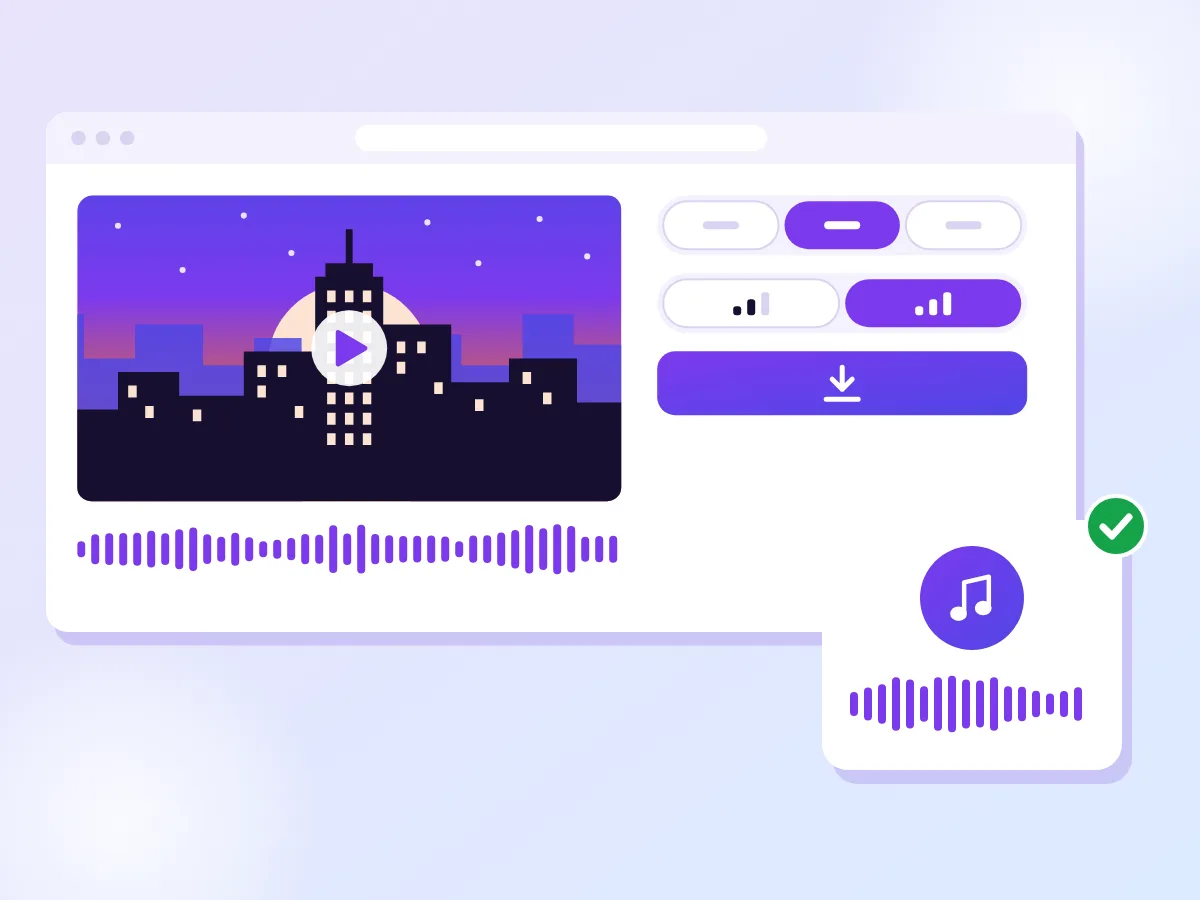
The kind of sound your phone records
M4A is picked for you, holding AAC sound like most phone videos do. Keep the whole video or choose a part, set 128 or 192 kbps and add fades if you want them. Need it for an audio editor? Save a WAV instead.
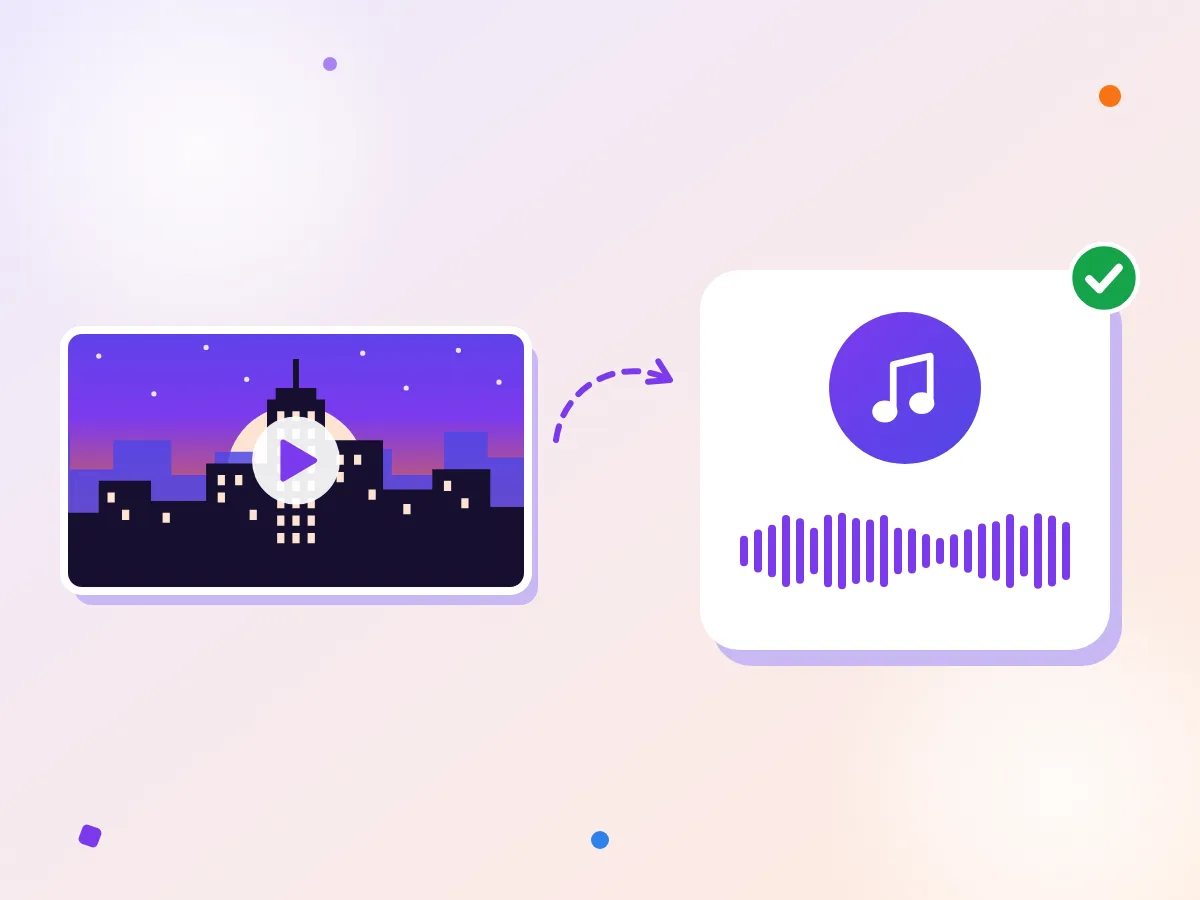
City noise without the picture
The hum of traffic from a city clip at night, saved as a small sound file you can play, share or drop into a project. Only the sound is kept, and the video never leaves your device. Want the format every player knows? Make an MP3.
How it works
Choose your video
Pick a clip from your phone or computer, or drop it onto the box.
Keep it all, or choose a part
Leave Whole video on, or set a start and end on the waveform.
Save your M4A
Download the sound as a file of its own, with the picture left behind.
Why M4A
Most phones save the sound in their videos as AAC. An M4A file is that same kind of sound on its own, without the picture, which is why it's the format picked for you here.
At the same bitrate an M4A and an MP3 come out about the same size, but AAC generally holds up a little better, especially at 128 kbps. Phones, Macs and Windows PCs play M4A out of the box, and so do most music and video editing apps.
MP3 still wins on reach. Some older car stereos, speakers and gadgets only understand MP3, so if the file is going somewhere like that, switch the format to MP3 before you save.
Choosing a part and smoothing the edges
Often you only want a slice: one answer from an interview, the chorus of a song, a single quote for a podcast. Switch Part to Choose a part and the sound is drawn as a waveform, so loud and quiet stretches are easy to spot.
Move the start and end handles with a mouse, a finger or the arrow keys, which step a tenth of a second at a time (hold Shift for a whole second). For an exact cut, type the times into the Start time and End time fields. Play runs just the part you picked, then stops.
Then add a fade. A cut that lands mid-sentence or mid-beat can sound like a click, and a short fade in at the start and out at the end hides it. Each fade can run up to 5 seconds, but never more than half the part.
Using the sound somewhere else
Once the sound is a file of its own, it's easy to reuse. Drop it into a video editor as background, send it to someone who only needs to listen, or keep a recording of a talk without the gigabytes of picture that came with it.
The file is named after your video with "-audio" added, so it's easy to find among your downloads. Any title or artist tags the video carried come along too.
For editing work where every sample counts, such as mixing or cleaning up a voice, save a WAV instead. It's much bigger, but your editor gets the sound without another round of compression.
Questions
Do you upload my video?
No. Your video is opened and its sound is saved right here in your browser, so the file never travels anywhere. That matters for interviews, lectures and voice notes, which are often private.
Does it work on iPhone?
Yes, with Safari on an up-to-date iPhone. On an older version of iOS, Safari can't decode audio in the browser, and the page says so up front rather than failing halfway. On a phone, videos up to 1 GB work.
Is M4A the same as MP3?
No, though they do the same job. Both are compressed sound files, but M4A holds AAC sound while MP3 uses an older method. Most devices play both. If yours only lists MP3, choose MP3 on the format switch.
Will it sound exactly like the video?
Very close, but not bit for bit. The sound is decoded and compressed again, which can lose a little detail, though at 192 kbps the difference is usually hard to hear. It can never sound better than the video did.
What about videos with more than one sound track?
We save the main one, usually the track a player picks by default. Extra tracks, such as a second language or a commentary, are left out.
More free tools
Convert a video to MP3
MP4 to MP3, in your browser: pick an MP4, MOV or WebM video and save its sound as an MP3, the whole thing or just a part. Your video stays on your device.
Convert a video to WAV
Save a video's sound as a WAV file for editing, music apps or transcription. It runs in your browser.
Trim any audio file
Cut the start and end off a recording and keep its format: an M4A stays M4A, a WAV stays WAV. It runs in your browser.