Trim any audio file
Cut the start and end off a recording and keep its format: an M4A stays M4A, a WAV stays WAV. It runs in your browser.
or drop it here
MP3, M4A or WAV · up to 60 min
Editing video on your phone?
The ClipSizer app for Android is on its way.
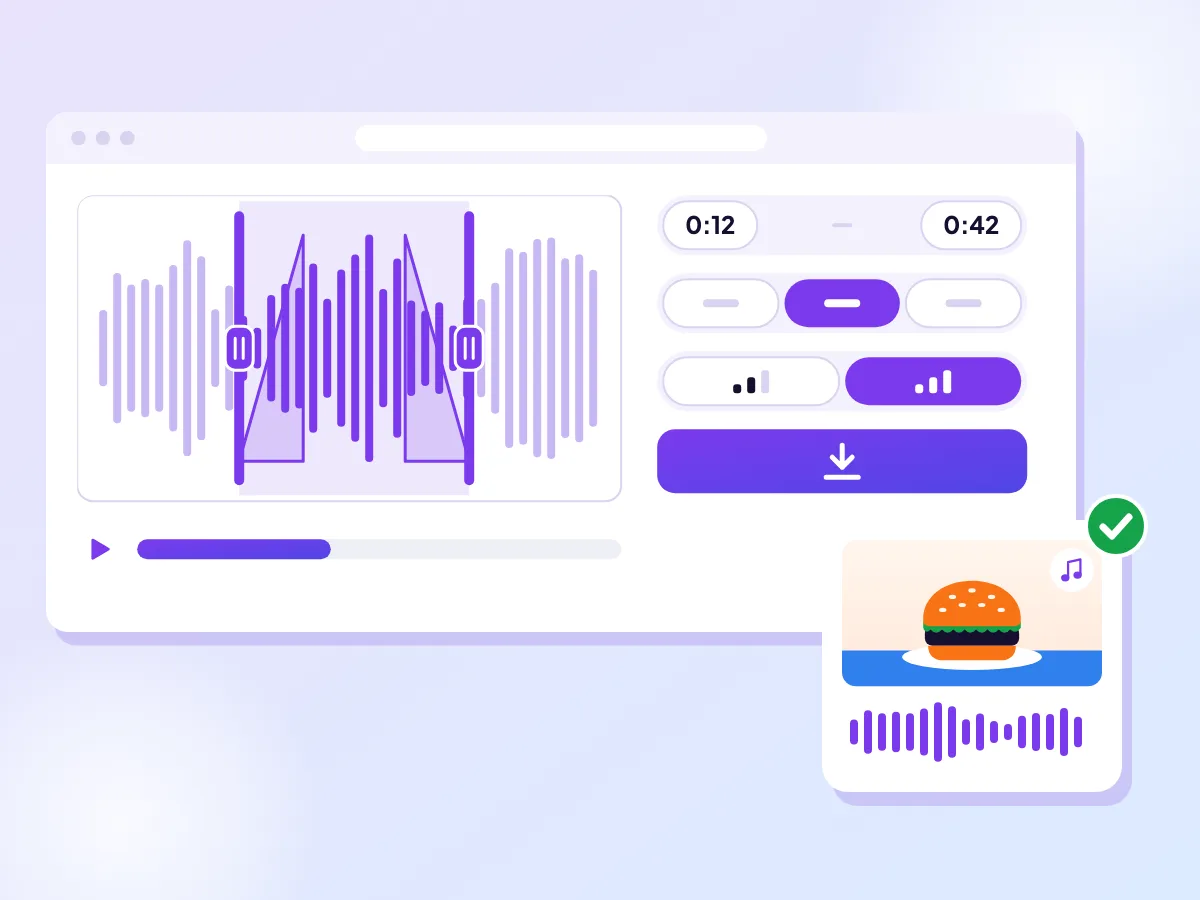
Your file's format, picked for you where it can
Open an M4A and M4A is already picked; open a WAV and it's WAV. Set the part on the waveform or in the Start time and End time fields, add fades, and save. Need the sound of a video instead? Extract it from the video.
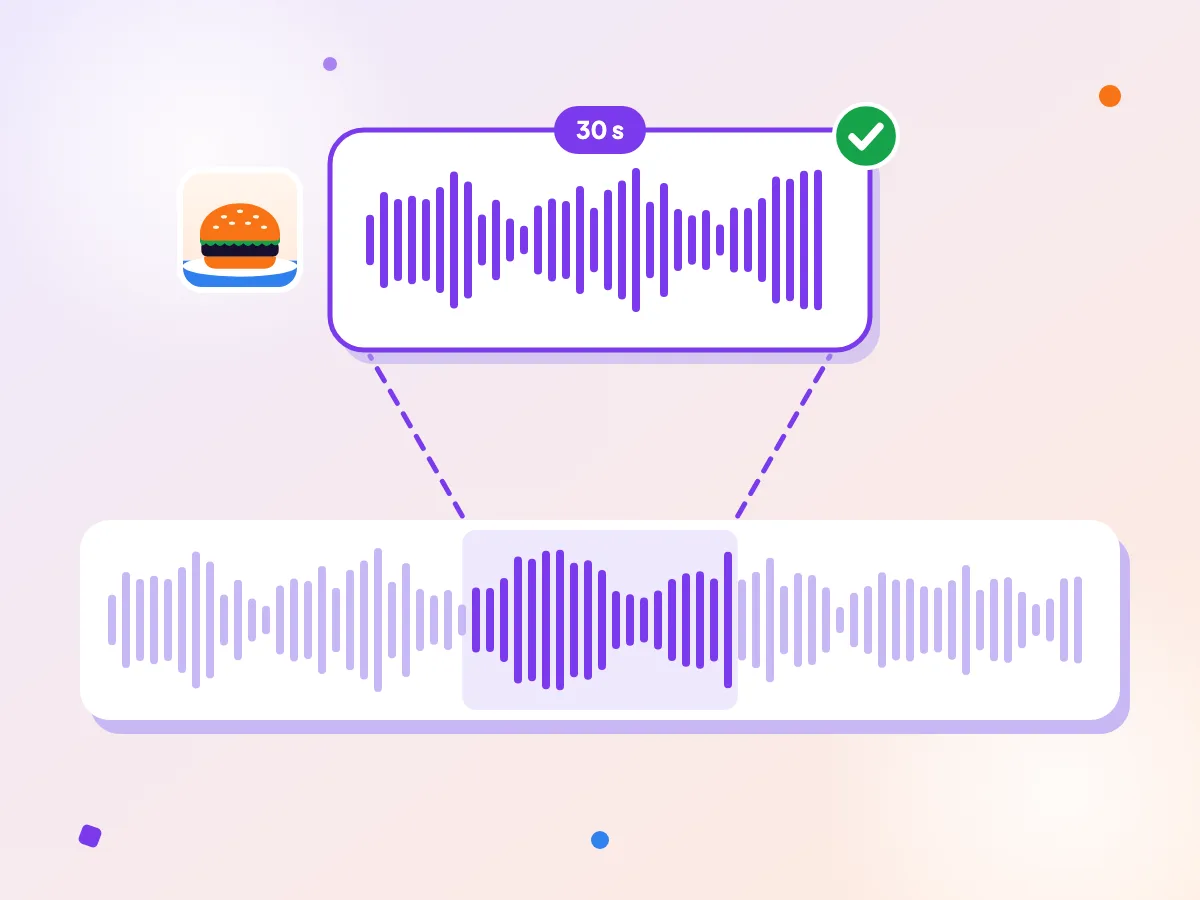
One answer from a long interview
A half-minute answer lifted out of a long food podcast, kept in the format it came in, ready to send or drop into a project. If it's headed for an old car stereo or a player that only knows MP3, save it as an MP3 instead.
How it works
Open your audio
Choose a voice note, an interview or a song from your phone or computer.
Drag the handles
Set where the part starts and ends on the waveform, or type the times in.
Save the part
The closest format the tool saves is already picked: your file's own, where it can. Switch it if you like, then save.
Keeping the format
Where it can, the cutter starts on the format your file already has. An MP3 stays an MP3, a WAV stays a WAV, and an M4A or AAC file is saved as an M4A. The format switch shows which one is picked, and you can change it before you save.
Keeping the format doesn't mean the sound is copied untouched. The part is decoded and saved again, which is what lets it be cut at any tenth of a second and faded. A WAV is never compressed along the way; it's saved as 16-bit, keeping 44.1 or 48 kHz, and any other rate becomes 48 kHz. An MP3 or M4A is compressed once more, at 128 or 192 kbps. The default, 192 kbps, keeps the change hard to hear in most recordings.
There's one catch. A WAV can be at most 10 minutes long here, and an MP3 or M4A an hour, because the whole file is built in your browser's memory before you download it. A WAV or FLAC longer than 10 minutes starts on MP3 instead, and once the part you choose is short enough, you can switch back. A longer MP3 or M4A keeps its format and opens with its first hour picked.
Cutting voice notes and interviews
Recordings of people talking rarely start cleanly. There's a fumble with the phone, a few seconds of room noise, a "can you hear me?", and a long goodbye at the end. Trimming those off makes a recording quicker to listen to and easier to share.
Pauses between sentences show up as flat gaps in the waveform, which makes them good places to cut. Line a handle up with a gap, press Play to check, and nudge it with the arrow keys if a word gets clipped. To lift a single answer out of a long interview, type its start and end into the Start time and End time fields.
A voice note or an interview can hold things meant for one listener. Here your browser opens the file on your device, the part you keep goes straight to your downloads, and the recording itself is never sent anywhere.
Fades and silence
A recording that starts mid-sound can begin with a pop. A short Fade in, half a second or so, softens the first moment, and Fade out does the same at the end. Each fade runs up to 5 seconds but never more than half the part. You'll hear them when you press Play, and if your browser can't play them in the preview, the page tells you they're still in the saved file.
Silence is easy to spot: it's a flat line on the waveform. Drag the handles in past any dead air at the start or end. If the whole file is silent, for example a recording made with the microphone muted, a note under the waveform says so. A file with no sound track at all is turned away as soon as it opens, so you never save an empty file.
Questions
Do you upload my recording?
No. Your recording is opened, cut and saved by your browser on your own device. There's no copy on a server, no account, and nothing to delete afterwards.
Does it work on iPhone?
Yes, with a recent version of Safari on iPhone. Older versions can't decode audio in the browser, and the page tells you so before you choose a file.
Will my file keep its format?
Yes for MP3, M4A and WAV: the format your file is in is picked when it opens. An AAC file is saved as an M4A, which holds the same kind of sound. A WAV longer than 10 minutes starts on MP3, which takes up to an hour, and you can switch back once the part fits. An MP3 or M4A over an hour keeps its format, with its first hour picked.
What happens to a FLAC or OGG file?
A FLAC file is saved as a WAV, so its sound isn't put through MP3 or M4A compression. The WAV is 16-bit, at 44.1 or 48 kHz. A FLAC longer than 10 minutes starts on MP3, since that's the most a WAV can hold here. An OGG or Opus file becomes an MP3, because the tool doesn't save OGG. Either way, you can pick another format first.
Can I join two files?
No. The cutter works on one file at a time: one recording in, one part out. To combine clips, cut each one here, then put them together in an audio or video editor.
More free tools
Cut an MP3 to the part you want
Open an MP3 or another audio file, drag the handles on the waveform and save the part you want as an MP3. Your file stays on your device.
Extract the sound from any video
Save a video's sound as an M4A file, the same kind of sound your phone records. Choose a part if you only need a clip.
Convert a video to WAV
Save a video's sound as a WAV file for editing, music apps or transcription. It runs in your browser.