Edit video
BetaJoin, trim and split clips. Export an MP4, All 4 sizes or a GIF with no watermark. Projects save in this browser, on your device.
Drop videos or choose files · MP4, MOV, WebM
Up to 10 minutes · 720p · no watermark
Free · No sign-up · On a computer in Chrome, Edge, Firefox and Safari 26 or later
Join clips in any order
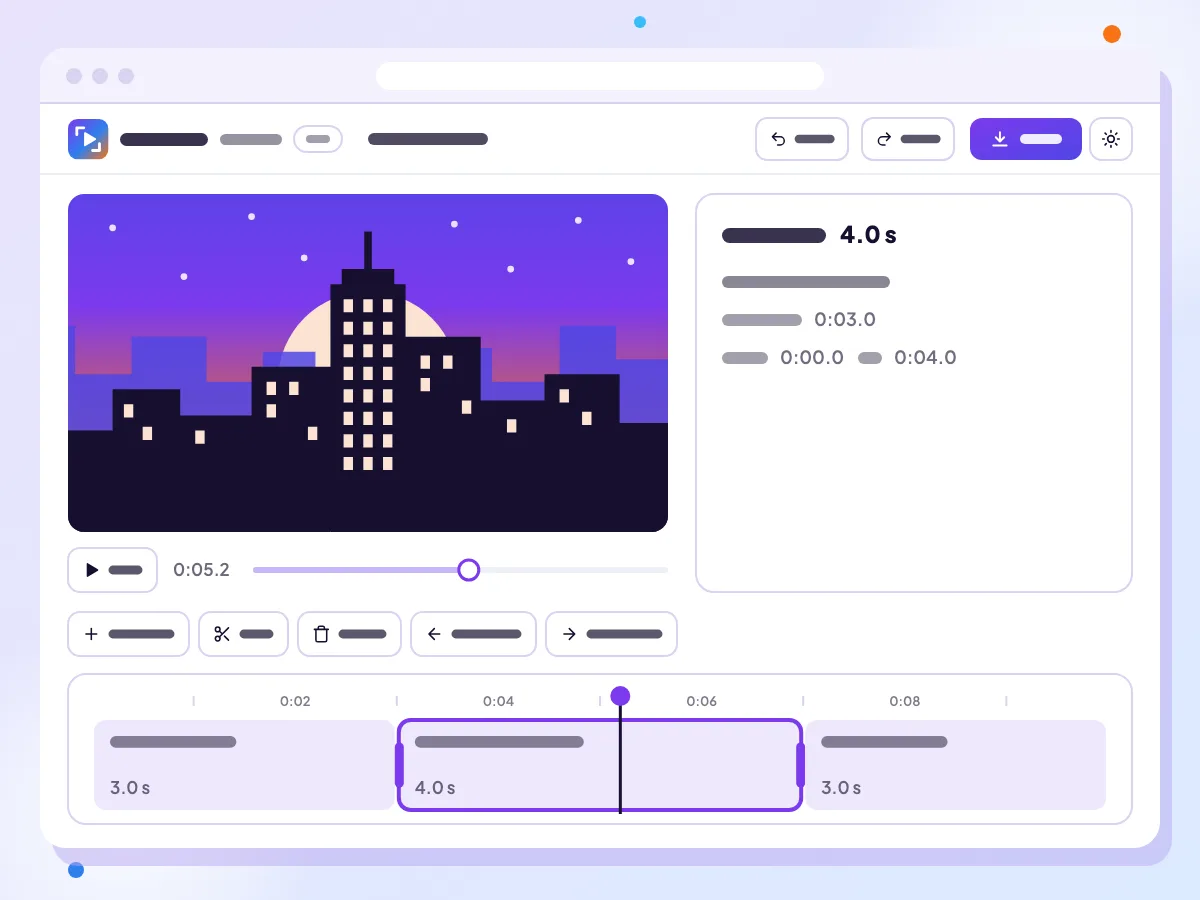
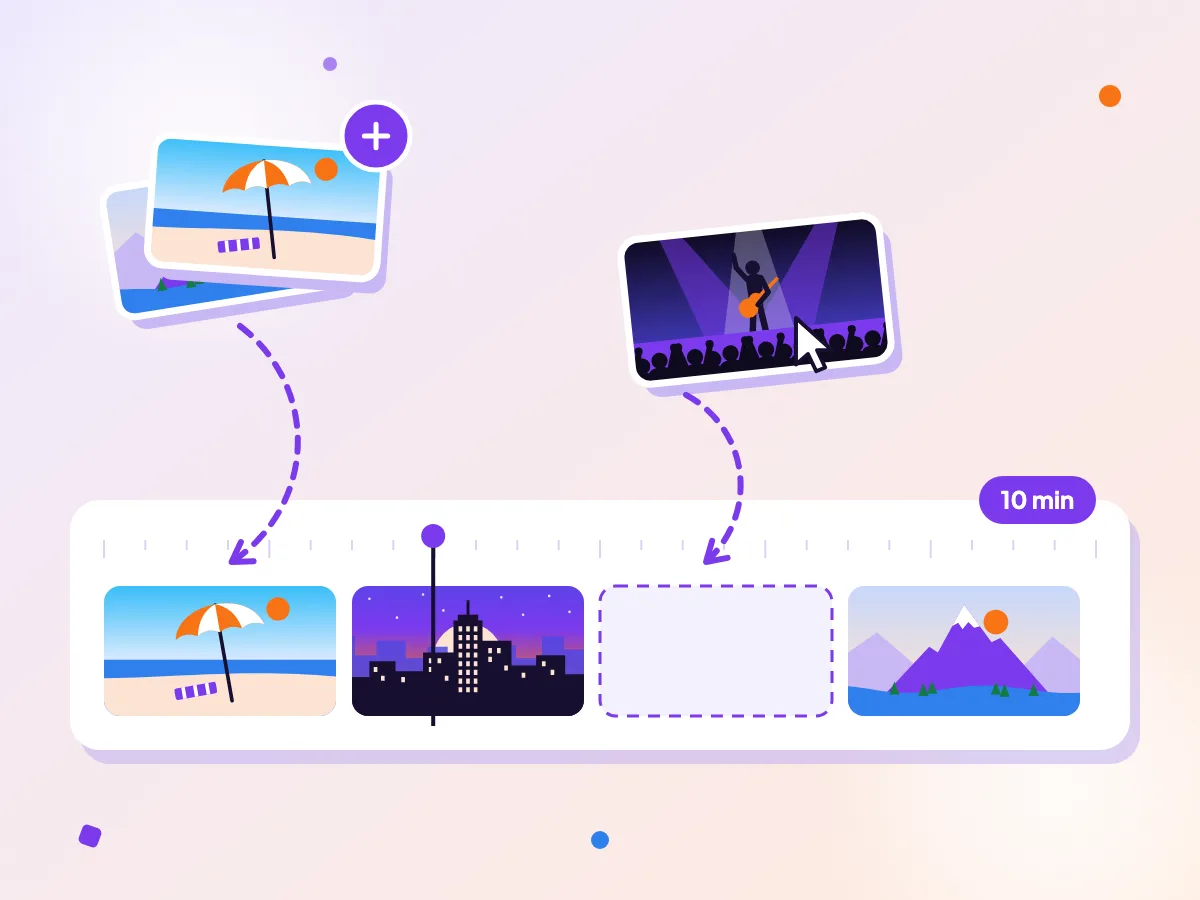
Add MP4, MOV or WebM clips and they line up on one timeline, up to 50 clips and 10 minutes in all. Drag a clip to a new spot, or use Move left and Move right. Working with a single clip? Resize video and Compress video are quicker.
Trim, split and undo
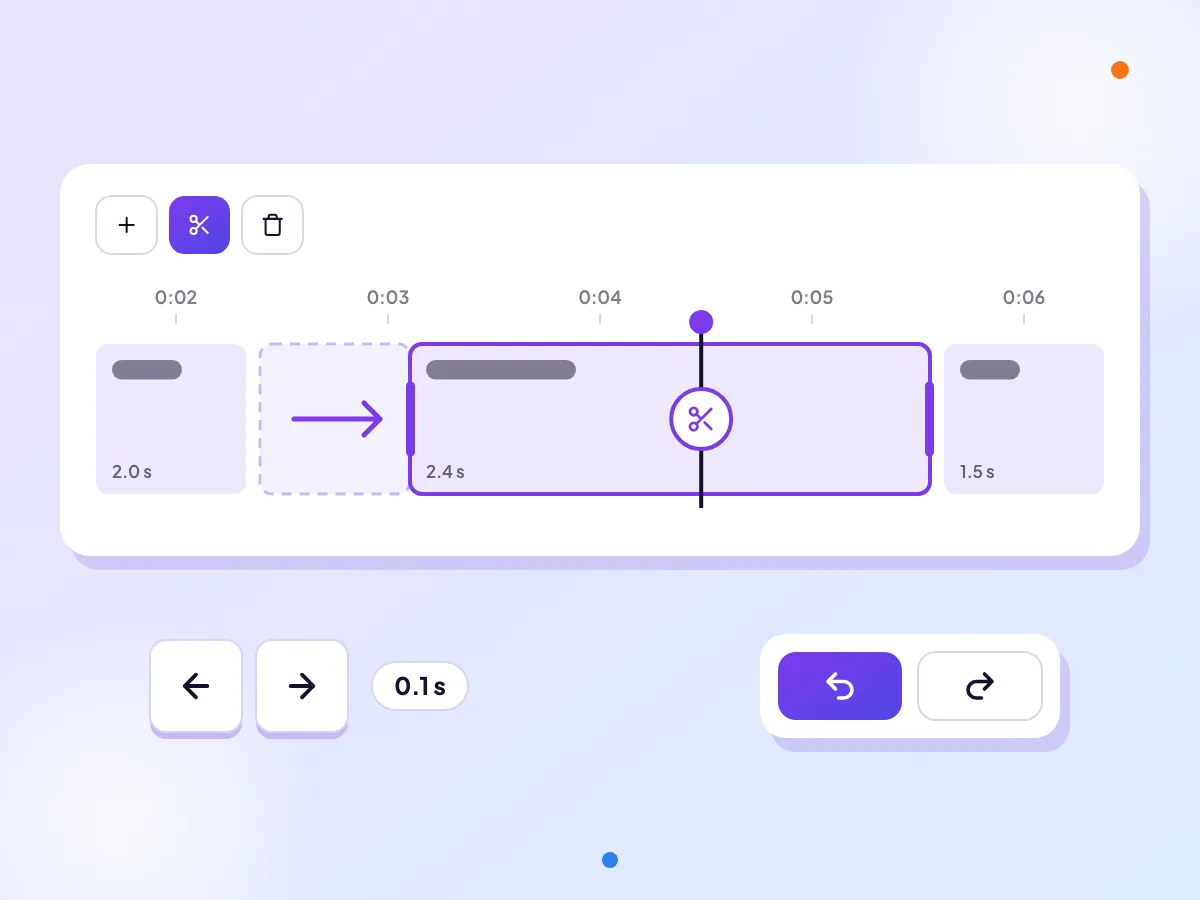
Drag the edges of a clip to trim it, or nudge them with the arrow keys. Split at the playhead to cut a clip in two, then delete the part you don’t want. Undo and Redo go back 50 steps (Ctrl+Z, or Cmd+Z on a Mac). Cutting to fit a time limit? Check the platform video specs.
Export a 720p MP4, no watermark
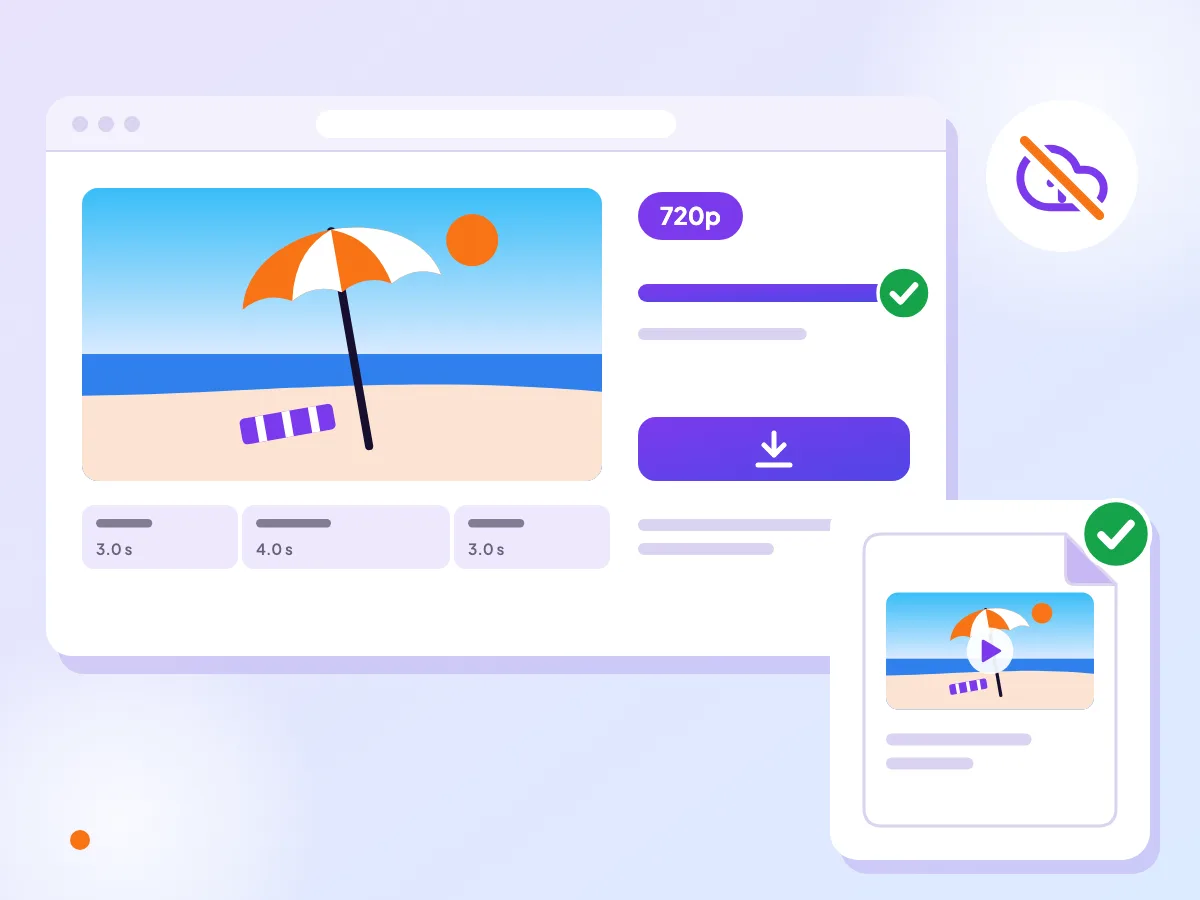
Pick a Shape, then frame each clip with Fit, Fill or Blur, and zoom, pan or rotate it. Export a 720p MP4 under a size limit, All 4 sizes in one zip, or a short GIF, with no watermark. Nothing is uploaded. Need a file for Discord? Set the size limit to match.

Built for a computer
The editor is made for a computer, with a keyboard and room for a timeline. It runs in Chrome, Edge, Firefox and Safari 26 or later. On a phone, the free video tools work in the browser, and the ClipSizer app for Android is on its way.
How it works
Add your clips
Choose MP4, MOV or WebM files from your computer. They’re read right there, never uploaded.
Arrange and cut
Drag the clips into order, trim their edges and split at the playhead. Pick a Shape and frame the clips, add a song and set the volume if you like. Undo anything you change.
Export
Press Export, choose a format and a size limit, and get an MP4 of up to 720p, All 4 sizes in one zip, or a GIF. No watermark.
Questions
Do you upload my videos?
No. Your clips are read and the video is made on your device, so nothing is uploaded and you don’t need an account.
Which browsers does it work in?
Chrome, Edge, Firefox and Safari 26 or later, on a computer. Older versions of Safari can’t run it.
How long can my video be?
Up to 10 minutes in total, made from up to 50 clips. You can add MP4, MOV and WebM files.
What do I get when I export?
An MP4 file with H.264 video and AAC sound, at up to 720p, kept under a size limit if you set one. You can also get All 4 sizes (9:16, 1:1, 4:5 and 16:9) in one zip for a project up to 5 minutes, or a looping GIF of one up to 15 seconds. There is no watermark.
Does it save my projects?
Yes, as you edit. Projects are kept in this browser on this device, never uploaded, and wait under Recent projects when you come back. Safari may clear projects you haven’t opened in a week. Delete projects and stored videos any time in Manage storage.
Can I add music?
Yes. Add one song from your own files, with a fade in and a fade out. You can set each clip’s volume too, and mute or replace the original sound.