WhatsApp file size limit for videos and files
WhatsApp lets you send files up to 2 GB, up from 100 MB, and that is the only size figure we found that WhatsApp itself states in writing. People searching for the WhatsApp video size limit find answers that vary from one site to the next, and many of them do not come from WhatsApp itself. WhatsApp does not publish a video-specific limit that we could read and verify, so this page does not invent one. What it offers instead is the confirmed number, an honest account of what is unknown, and practical ways to send a clip that is easy for the other person to receive.
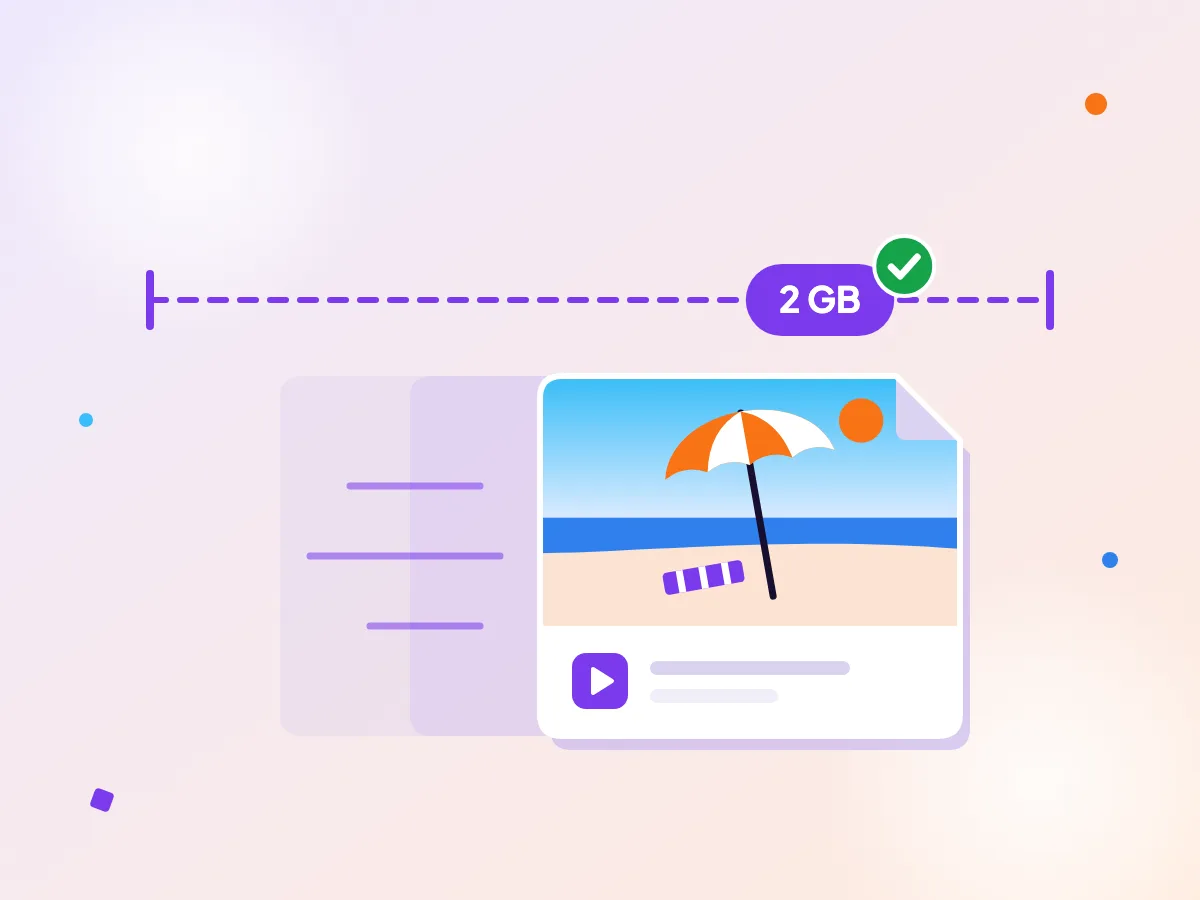
WhatsApp now takes 2 GB
WhatsApp raised the largest file you can send to 2 GB, up from 100 MB. Big files still take a while to send on mobile data, so a smaller clip is kinder to everyone. Shrink a clip before you send it to save time and data.
Confirmed by WhatsApp
| Largest file you can send | 2 GB (up from 100 MB)This comes from a WhatsApp blog announcement, which says files up to 2 GB. It does not break the limit down by video, photo or document.Source, checked Oct 2026 |
|---|
Make one now
What WhatsApp does not tell you
WhatsApp’s help pages, as far as we could read them, do not give a clear limit for videos sent in a chat. You may see a smaller figure quoted in guides, but we could not confirm one from WhatsApp, so we leave it out.
The safe reading is this: 2 GB is the ceiling for a file, and a smaller clip is quicker for the other person to download.
Make the file smaller yourself
If a clip is large, shrink it before you attach it. The compressor lets you pick the size you want the file to end up at, so you decide the trade-off instead of guessing. To share only a certain part of a long recording, trim it first in the Resize tool or another app.
Compressing in your browser means the clip never leaves your device. That matters for family videos and anything you would rather not upload to a stranger’s server.
Group chats and mobile data
A large file sent to a group is a large download for every person who opens it. People on limited data plans will thank you for a smaller one.
If the video is for a family group with older relatives, keep it short and send it on a good connection, because they may open it on a slow phone or a patchy signal. Short clips are the easiest to share. Cut to the moment that matters and the result is faster to send and quicker to watch.
A simple habit
Keep the original file safe on your device. If a friend later asks for a sharper copy, you can send the original again, and you will be glad the untouched version is still there.
When you are unsure how a clip will look, send a short test to yourself first and open it on the phone it is meant for. It takes a minute and saves an awkward resend.
Questions
What is the WhatsApp file size limit?
WhatsApp announced that you can send files up to 2 GB, up from 100 MB. The announcement does not split that figure by file type.
Is there a separate upload limit for videos?
Many guides quote one, but WhatsApp does not publish a video-specific limit on the help pages we could read, so we do not list a number. Stay well under 2 GB and shrink big clips first.
How can I make a video smaller before sending it?
A browser compressor shrinks the file to a size you pick, without uploading it anywhere. To share a different part of the clip, trim it first in the Resize tool or another app.
Does compressing in the browser upload my video?
No. The work happens on your device, and the file stays where it is until you send it.
More platform specs
Discord video specs
Free Discord accounts can upload files up to 20 MB, Nitro Basic up to 50 MB and Nitro up to 1 GB. The cap depends on your account, not the server or channel, and the free limit rose from 10 MB in August 2026, so older advice that says 10 MB is out of date. Below the table you will find the quirks that trip people up, such as how the check differs on a phone, and the quickest ways to bring a recording under the line.
Email video specs
Gmail lets a personal account attach up to 25 MB, and Outlook allows 20 MB for internet accounts such as Outlook.com. Video is the file type that most often breaks an email, because a minute of phone footage can easily go past either cap. The two big services publish their limits, and they are not the same. Gmail quietly swaps an oversized file for a Drive link. Outlook counts the attachment and the message body together, and the cap depends on the kind of account you have. Here are the figures, with the page each came from.
Facebook video specs
Facebook feed videos can be up to 4 GB and 241 minutes, in any shape from 16:9 landscape to 9:16 portrait. But Facebook is not one video surface, and each has its own shape and running time: Stories want a tall frame, and in-stream is its own short format. Meta publishes these numbers mainly for advertisers, so the tables below come from its ad pages. Ordinary posts from a profile or Page generally follow the same shapes, but we only list what Meta states in writing, and each row links to the page we read.